On June 30, 2026, we released the new Bizgram in beta. You can now draw Bizgram business model diagrams yourself in the browser.
Until now, Bizgram was a service for reading business model cases made by ZUKAI. The new Bizgram is a tool for drawing your own business, or a company you want to study, in the same format.
How to draw
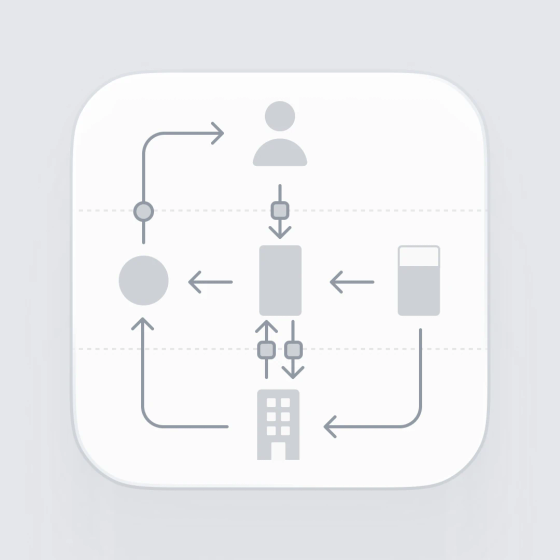
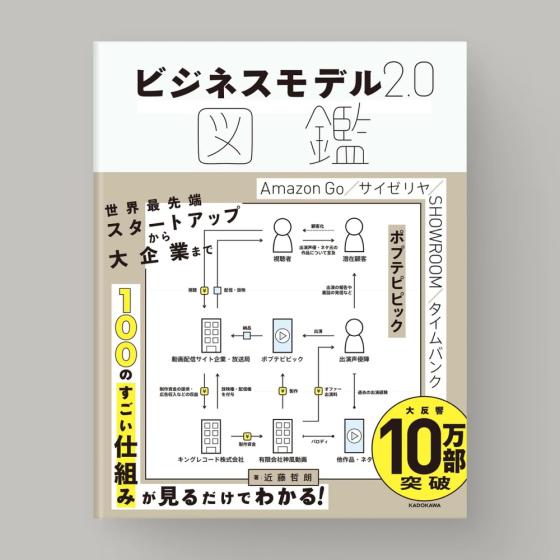
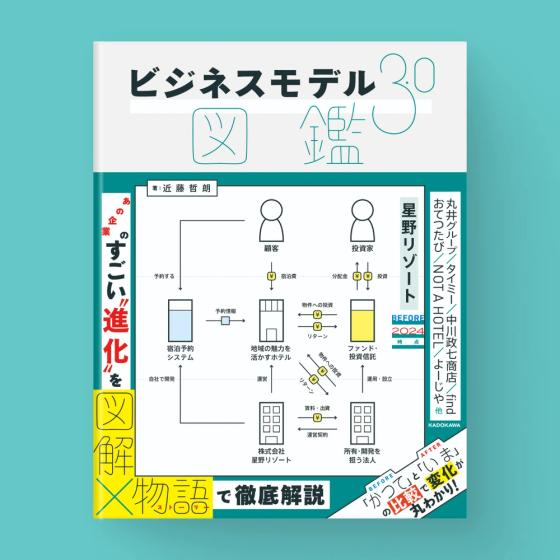
A Bizgram places actors on a 3×3 grid and connects them with arrows to show how a business works. It is the format used in "Business Model 2.0 Visual Guide" and "Business Model 3.0 Visual Guide".
- Place the actors on the nine cells. The top row is users, the middle is the business, and the bottom row is operators
- Connect the actors with arrows. There are five kinds: goods, money, information, actions and inclusion
- Add notes to actors and arrows. Only a number appears on the diagram, and the text is listed outside it
What you can do
- Create and save as many businesses as you like
- Show a diagram by handing over a link. It does not appear in search or in lists
- Gather businesses in a workspace and compare them in a list. You can filter by status and tag
- Invite members to edit together. You can invite any number of view-only people
- Read 161 diagrams in the case gallery, mainly cases from the books. You can also publish a diagram you drew as a case
Creating, editing, saving and sharing by link are free. Exporting to image or PDF and recording versions are available on the paid Pro plan.
Before and after the release
- May 1, 2026: we made the whole case gallery readable without registering as a member
- June 30, 2026: we released the new Bizgram in beta
- September 2026: we added the team license. For work with a fixed period, such as training or workshops, any number of people can edit together during the period. It is a one-time purchase and does not renew automatically
Prices are on Bizgram's pricing page (in Japanese).
Details
- Name: Bizgram
- Released: June 30, 2026 (beta)
- URL: https://bizgram.zukai.co
- Operated by: ZUKAI Inc.